 Sketchpilot
Claude writes it, you keep the last word
From two lines of brief to a narration with a hook, a problem, a solution and a call to action. Rewrite any line, or paste your own script.
NEW Chalkboard, glassboard, captions and a camera that follows the hand
Write a few lines. SketchPilot writes the script, draws every scene on a whiteboard and voices it. 16:9, 9:16 or 1:1.
Type 2 lines above. Watch the hand do the rest ↑
drawn live by our engine ↑
From a few lines to a video
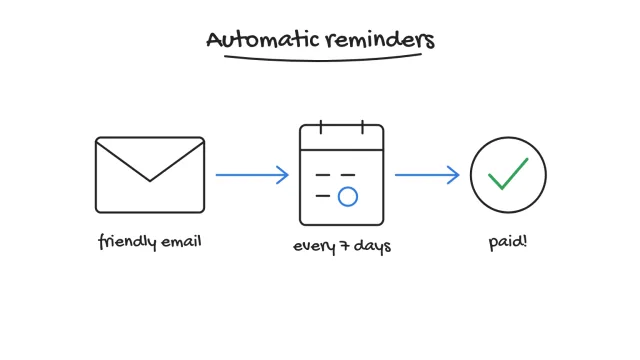
SketchPilot splits it into scenes, draws each one, records the voice and draws every part of the picture the moment it is spoken.
Every month, the same story: invoices go out, and the money doesn't come in.
Automatic reminders change that. A friendly email goes out the day an invoice is due.
Clients pay sooner. Steadier cash flow, and hours back every month.
What a video costs today
Brief, freelancer, rounds of feedback, then redo it all for vertical. So the explainer you need keeps slipping to next quarter.
between the brief and the final cut, once a freelancer or an agency is involved.
at least: one for the script, one for the animation, one for the voice and the edit.
delivered. Want a version for Reels? Start again.
With SketchPilot: one tool, from the first line to the mp4.
From text to video, in one tool
Here's exactly what you do in SketchPilot, from a blank page to an exported video. No animation skills needed.
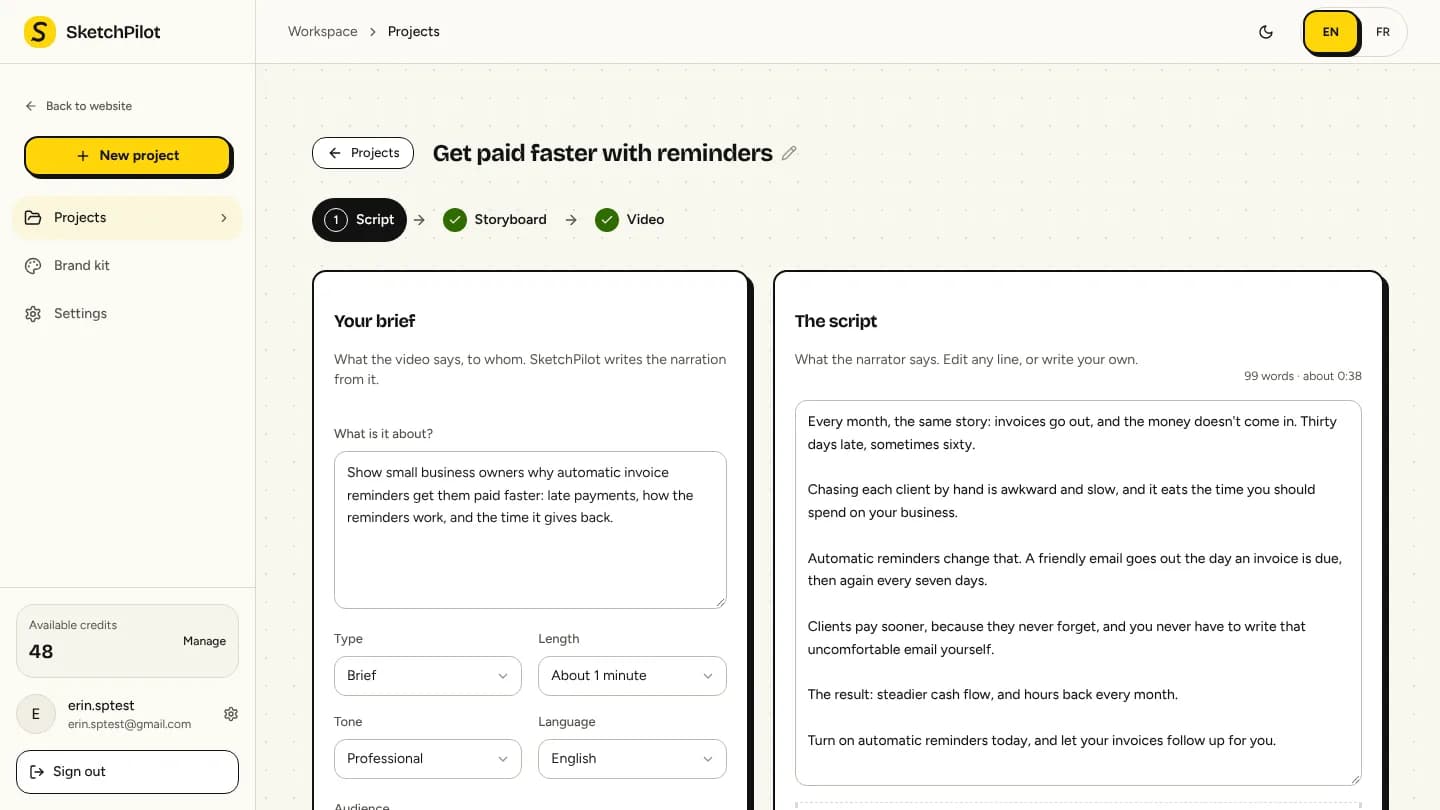 your briefthe script, written for you
Step 1 · Script
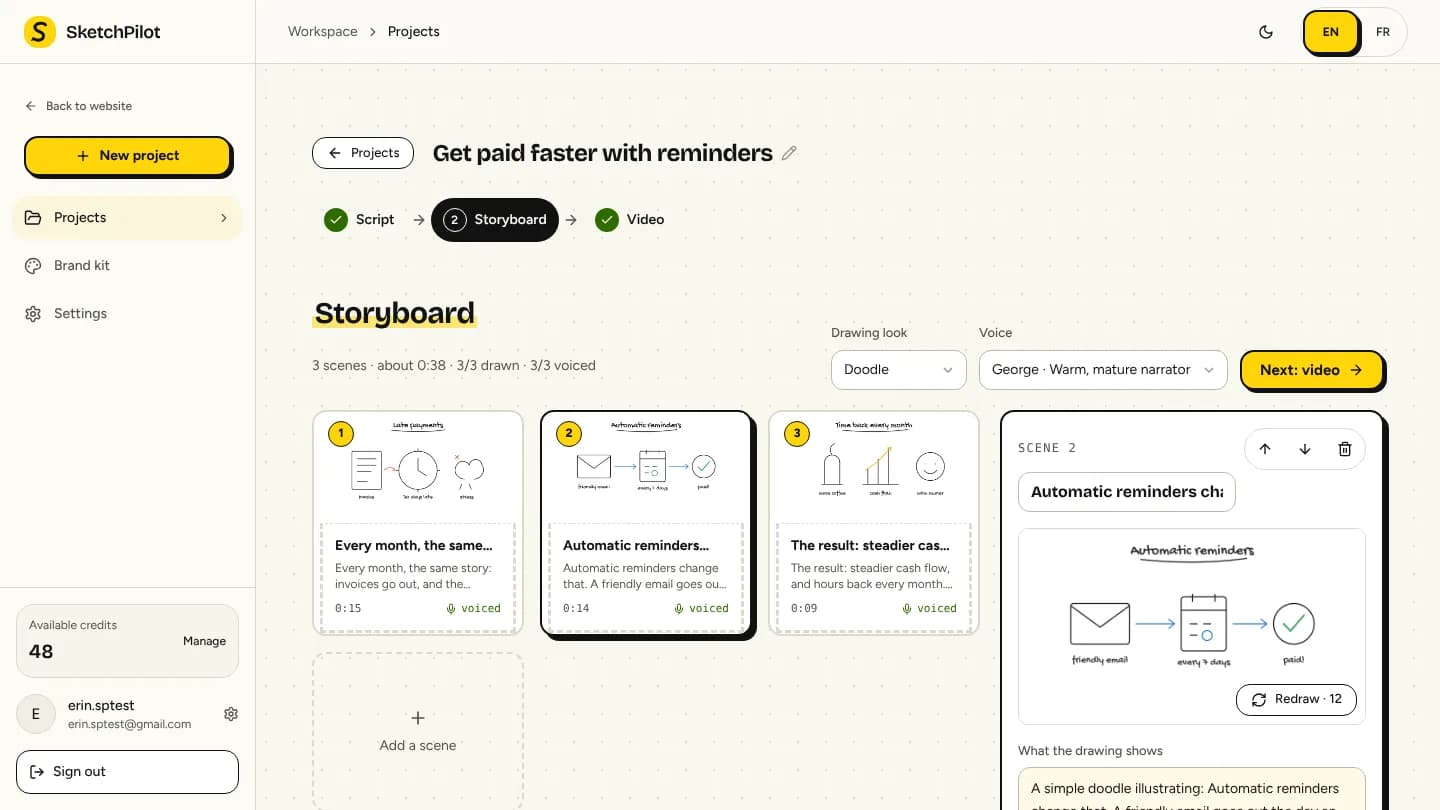 one card per scenerewrite it, or redraw it
Step 2 · Storyboard
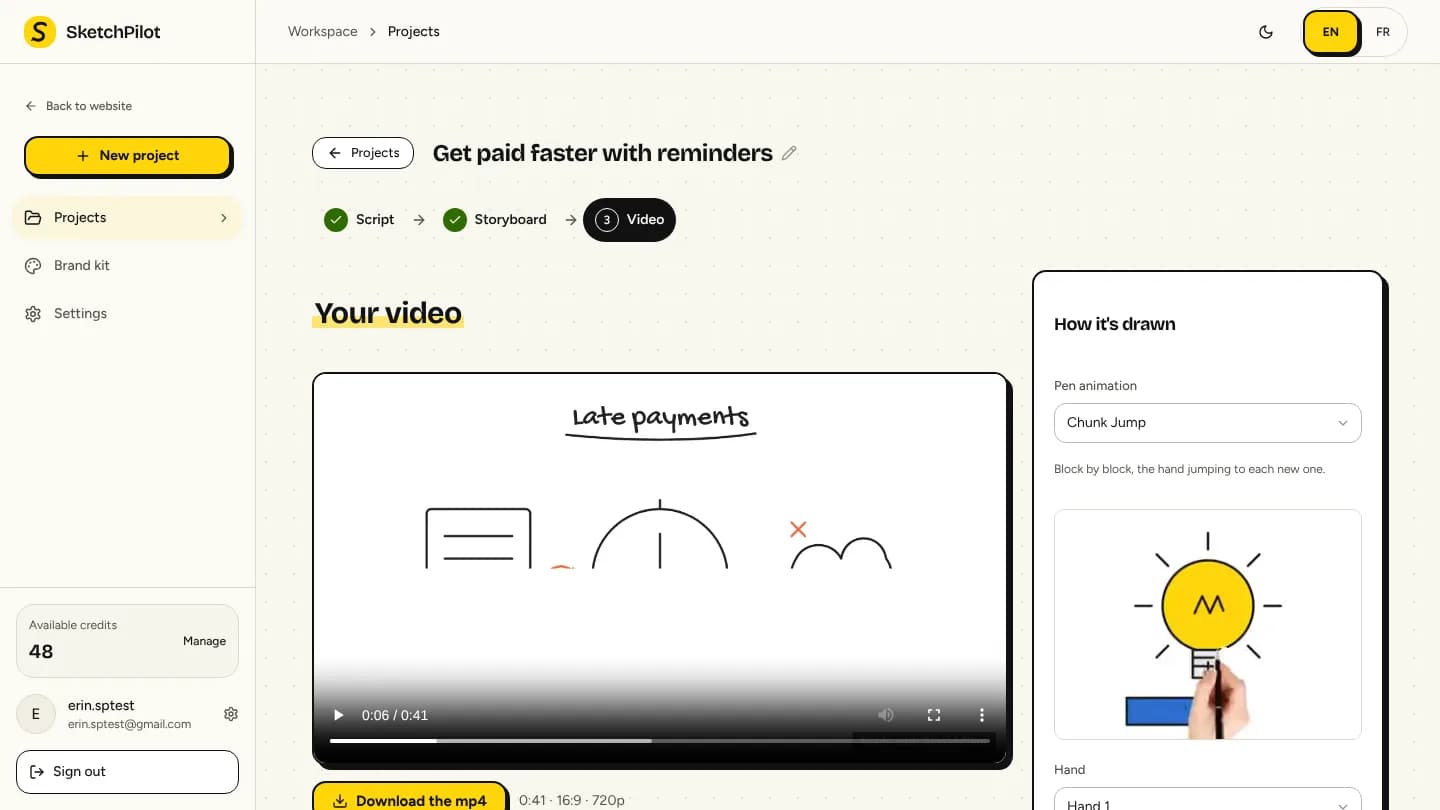 your video, drawn by hand
Step 3 · Video
One project, every screen
Pick the format when you start: the drawings are made for it, the captions sized for it, the camera framed for it.
Hand animation styles
Pick a style per project. Every preview is a real render.
Boards and motion
Pick the surface your story lives on, let the camera zoom on what is being drawn, and add captions that light up word by word with the voice.
 WhiteboardBlack ink on a white board, the classic.
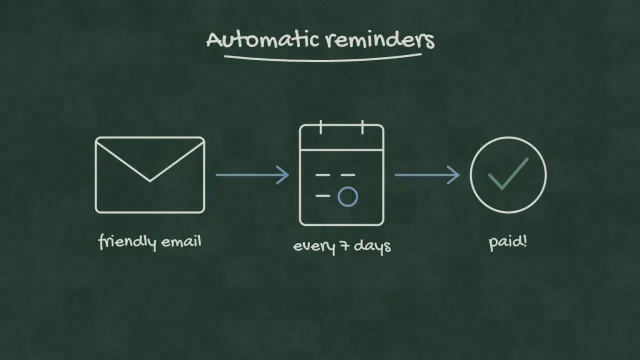 ChalkboardChalk lines on a green slate, for teaching.
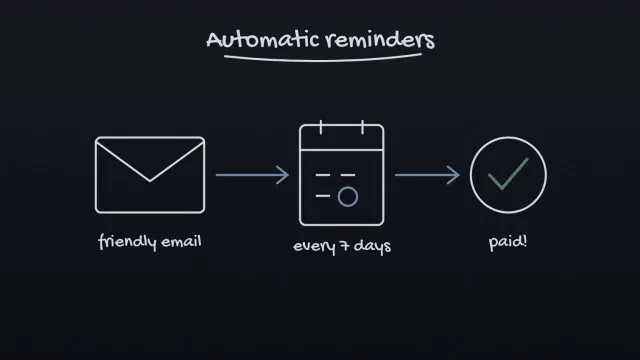 GlassboardBright lines on dark glass, for tech and product.
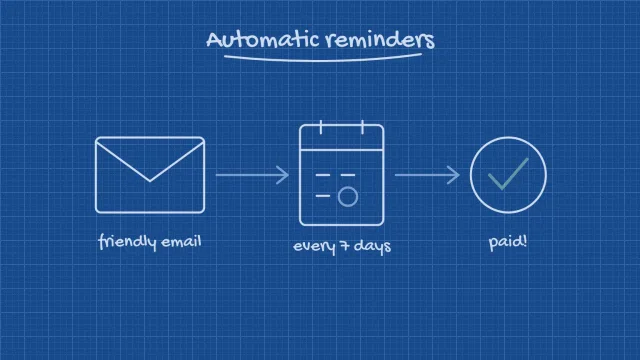 BlueprintWhite lines on a blue grid, for plans and processes.
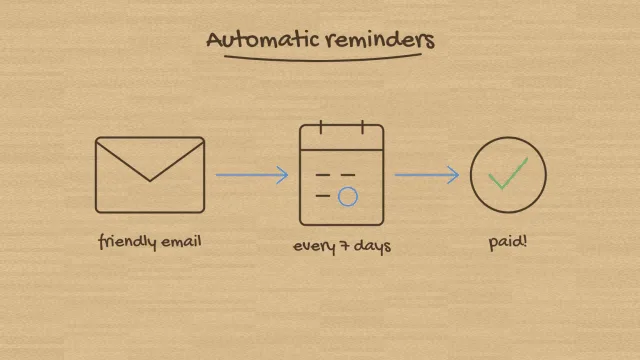 Kraft paperBrown ink on warm paper, for stories.
What people make with it
What it does and why it matters, in 90 seconds, for your homepage and your sales emails.
Step by step, drawn as it is explained: new users and new hires follow along.
A concept drawn on the chalkboard while the voice explains it, in six languages.
Vertical 9:16, captions word by word, a hook in the first seconds.
The problem, your solution, the proof: one clear story your prospects actually watch.
A new process, a policy, a quarterly update: drawn once, understood by everyone.
Everything in one tool
From two lines of brief to a narration with a hook, a problem, a solution and a call to action. Rewrite any line, or paste your own script.
Reorder, insert, delete, rewrite a line, redraw a picture. Nothing is locked.
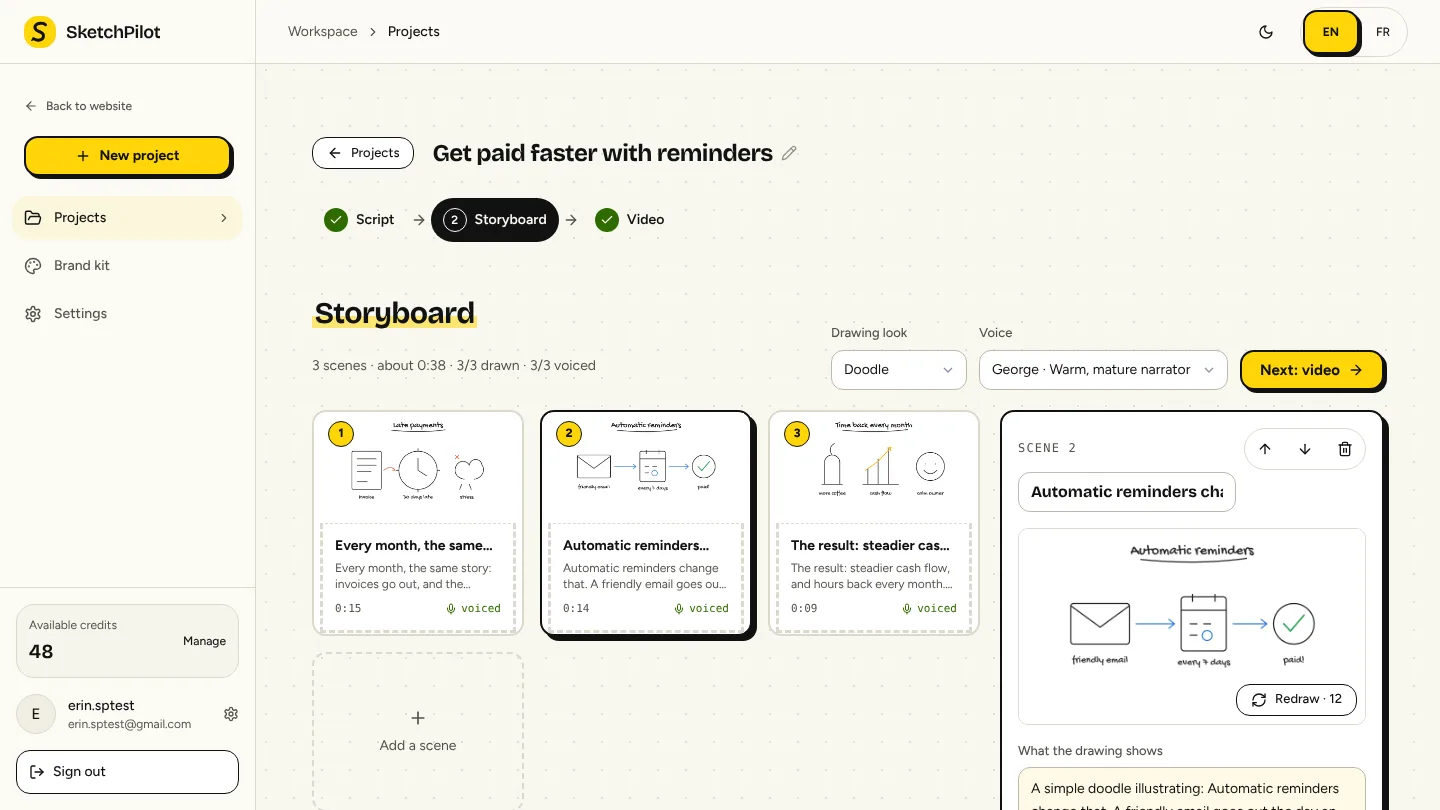
Every word of the ElevenLabs voice is time-stamped: each part of the picture appears exactly when it is spoken.
Default format, board, pen, hand and voice, your own drawing looks and video types, and your logo on the Studio plan.
Script 5, storyboard 10, drawing 12 and voice 2 credits. A step that fails is refunded on its own. Exporting is free.
Connect an assistant that speaks MCP, like Claude, with a personal key you can revoke: it can create a project, write the script and export the video for you.
Voices and languages
The same voice reads your English and your French version: a second language costs a click, not a second casting.
Compared to the alternatives
SketchPilot automates what takes hours and leaves you in control of every scene.
Pricing
Plans come with monthly credits for scripts, storyboards, drawings and voice. Exports are free. Cancel anytime.
$0forever
Try it on a real video
Start free$12/ month
For creators who publish every week
Choose Starter$39/ month
For marketing teams that publish a lot
Choose Pro$99/ month
For agencies and heavy publishers
Choose StudioNeed more in a busy month? Top up anytime from $4.99, on any plan. Purchased credits never expire.
FAQ
still unsure?
Ask us →No. You write the text, SketchPilot splits it into scenes, draws each one and traces it by hand on the board. You tweak whatever you want, scene by scene.
Natural ElevenLabs voices, each one multilingual: English, French, Spanish, German, Italian and Portuguese. The drawing follows the voice word by word.
16:9 for YouTube and your website, 9:16 for Reels, TikTok and Shorts, 1:1 for LinkedIn and Instagram feeds. 720p on the free plan, 1080p on paid plans.
The AI work: the script (5 credits), the storyboard (10), each drawing (12) and each scene's voice (2). About 100 credits make a one-minute video. Exporting is free, as many times as you want.
If a drawing, a voice or a script can't be produced, its credits come back to your balance automatically.
Yes. Paste it in the script step and skip the writing: SketchPilot splits your text into scenes without rewriting it.
Five boards (whiteboard, chalkboard, glassboard, blueprint, kraft paper), fourteen pen animations, and a camera that can stay still, follow the hand, or zoom closer with a small bounce on each element. All included on every plan.
Yes, one switch: captions appear word by word, the spoken word highlighted, timed on the voice. Made for Reels, Shorts and TikTok.
You do. Download the mp4 and publish it wherever you want. The free plan adds a small “Made with SketchPilot” mark; paid plans from Pro remove it.
Yes, from your billing page, in one click. Your plan stays active until the end of the period you paid for.
your next video starts with a few lines of text
100 free credits, enough for a one-minute video. No card needed.